
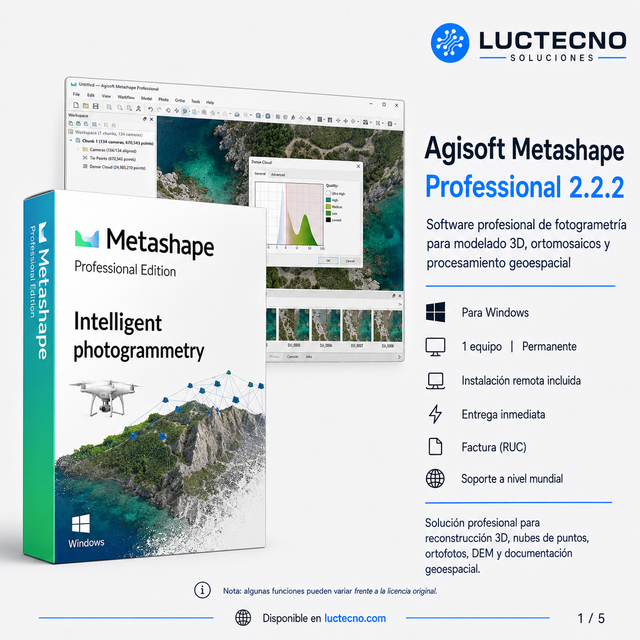
Agisoft Metashape Professional 2.2.2 (Windows)
Licencia alterna · consulta su vigencia
$14.99 Precios con IVA incluido
Ver opciones Entrega digital


Luctecno Shop
$9.99Precios con IVA incluido
Precio de la opción seleccionada
Vectorworks 2024 Update v4.1 is a professional platform for design and documentation in architecture, interiors, landscape, and creative projects. It allows for the development of models and plans with high precision, organization of layers/classes, generation of technical documentation, and preparation of deliverables...
Asesoría personalizada antes y después de tu compra
Verifica con nuestro equipo la disponibilidad, la opción elegida y las condiciones de tu compra antes de pagar.
Recibe asesoría personalizada para elegir tu producto y ayuda para gestionar una incidencia.
Coordinamos la instalación remota después de confirmar el pago y la compatibilidad del equipo.
Consulta por WhatsApp la compatibilidad y la opción más adecuada para tus necesidades.
Vectorworks 2024 Update v4.1 is a professional platform for design and documentation in architecture, interiors, landscape, and creative projects. It allows for the development of models and plans with high precision, organization of layers/classes, generation of technical documentation, and preparation of deliverables for presentation and construction, with a complete workflow for professional projects.
Key features
• Design and documentation for architecture/interiors/landscape (depending on use and edition)
• Project modeling and organization with layers, classes, and precision tools
• Generation of plans and technical deliverables for presentation and construction
• Ideal for projects requiring control and order in documentation
Ideal for
• Architects, interior designers, and landscape architects
• Studios and professionals who produce plans, documentation, and presentations
• Housing projects, buildings, renovations, and space design
Minimum requirements for installing Vectorworks 2024 Update v4.1 (Windows and Mac)
• Operating system (Windows): Windows 10/11 (64-bit)
• Operating system (Mac): Compatible macOS
• Processor: Intel Core i3 / AMD equivalent (minimum) / Apple Silicon or compatible Intel on Mac
• RAM: 8 GB minimum
• Storage: 10 GB free recommended (SSD ideal)
• Graphics: Compatible GPU (recommended for better 3D performance)
• Display: 1280×1024 minimum (1920×1080 recommended)
• Internet: Required for remote installation (free service; restrictions apply) and activation according to license
Specifications may vary depending on project size and complexity. For medium projects, Core i5 / Ryzen 5 and 8–16 GB of RAM are recommended.
Difference between alternative license and original license
• Alternative license (non-original): one-time payment, more economical, lifetime, with direct installation and activation on the computer, does not use an account or subscription.
• Original license: activation through the manufacturer's official method (serial number and/or account/licensing, depending on modality).
Note: These licenses are not transferable; once installed/activated on one computer, it only works on that same computer and cannot be transferred to another.
Recibes el programa y la modalidad de licencia indicados en la opción y descripción del producto. La instalación remota se coordina con nuestro equipo.
La entrega es digital. Coordinamos la instalación remota después de confirmar el pago y la compatibilidad de su equipo.
Elige la variante compatible con tu sistema operativo. Las opciones, versiones y modalidades disponibles son las mostradas para este programa. Si tienes dudas, consulta antes de comprar.
La duración es la indicada para la variante seleccionada y en la descripción. Las opciones alternas permanentes no se limitan a un período de postventa; otras modalidades conservan la vigencia que indique su ficha.
Sí. Emitimos factura con los datos de tu compra. El precio incluye IVA; el envío, cuando corresponda, se coordina por separado.
La postventa gratuita cubre fallas atribuibles al programa. Revisamos la incidencia mediante asistencia remota. Las fallas provocadas por cambios o acciones del cliente requieren asistencia técnica adicional con costo, informado antes de realizar el servicio.
Si la revisión identifica que la falla fue provocada por cambios o acciones del cliente, esa incidencia no está cubierta por la garantía ni por el soporte gratuito. La reparación o reinstalación se ofrece como asistencia técnica adicional con costo, informado antes de realizar el servicio.
$14.99 Precios con IVA incluido
Ver opciones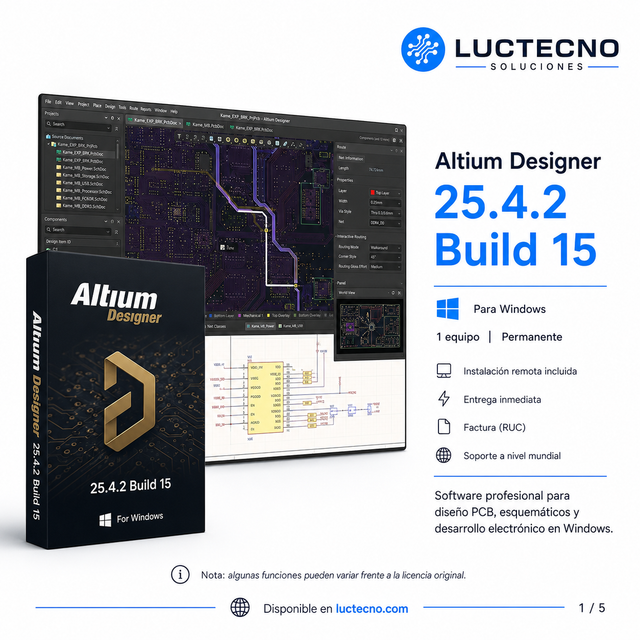
$14.99 Precios con IVA incluido
Ver opciones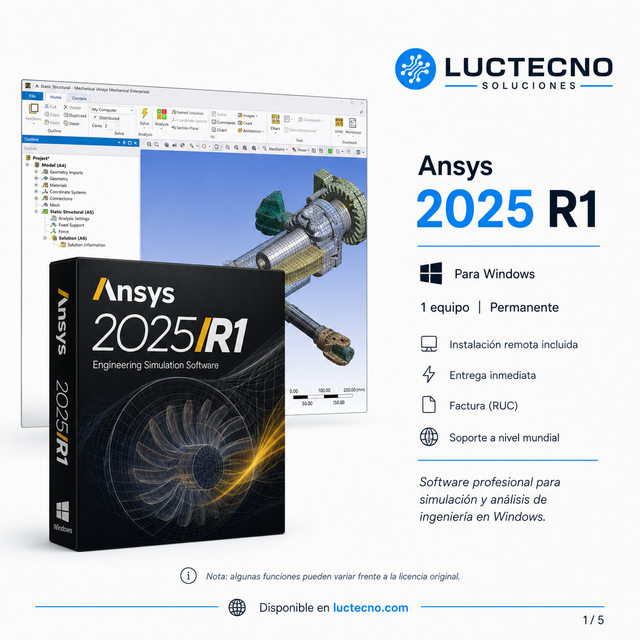
$49.99 Precios con IVA incluido
Ver opciones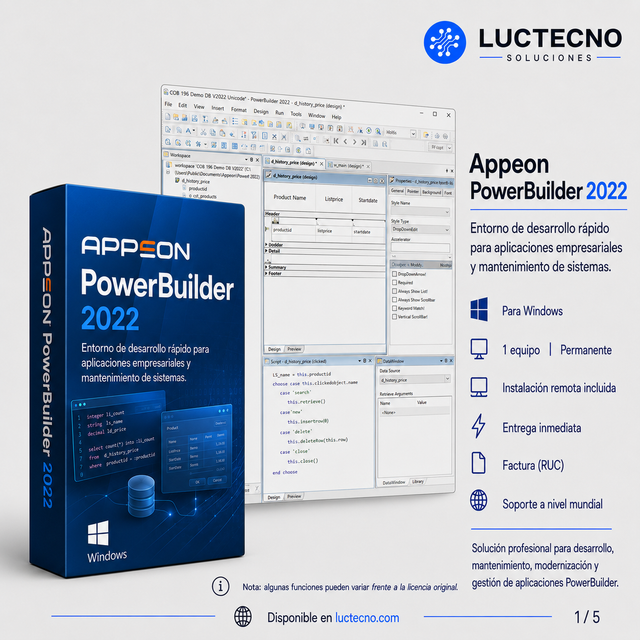
$14.99 Precios con IVA incluido
Ver opciones