

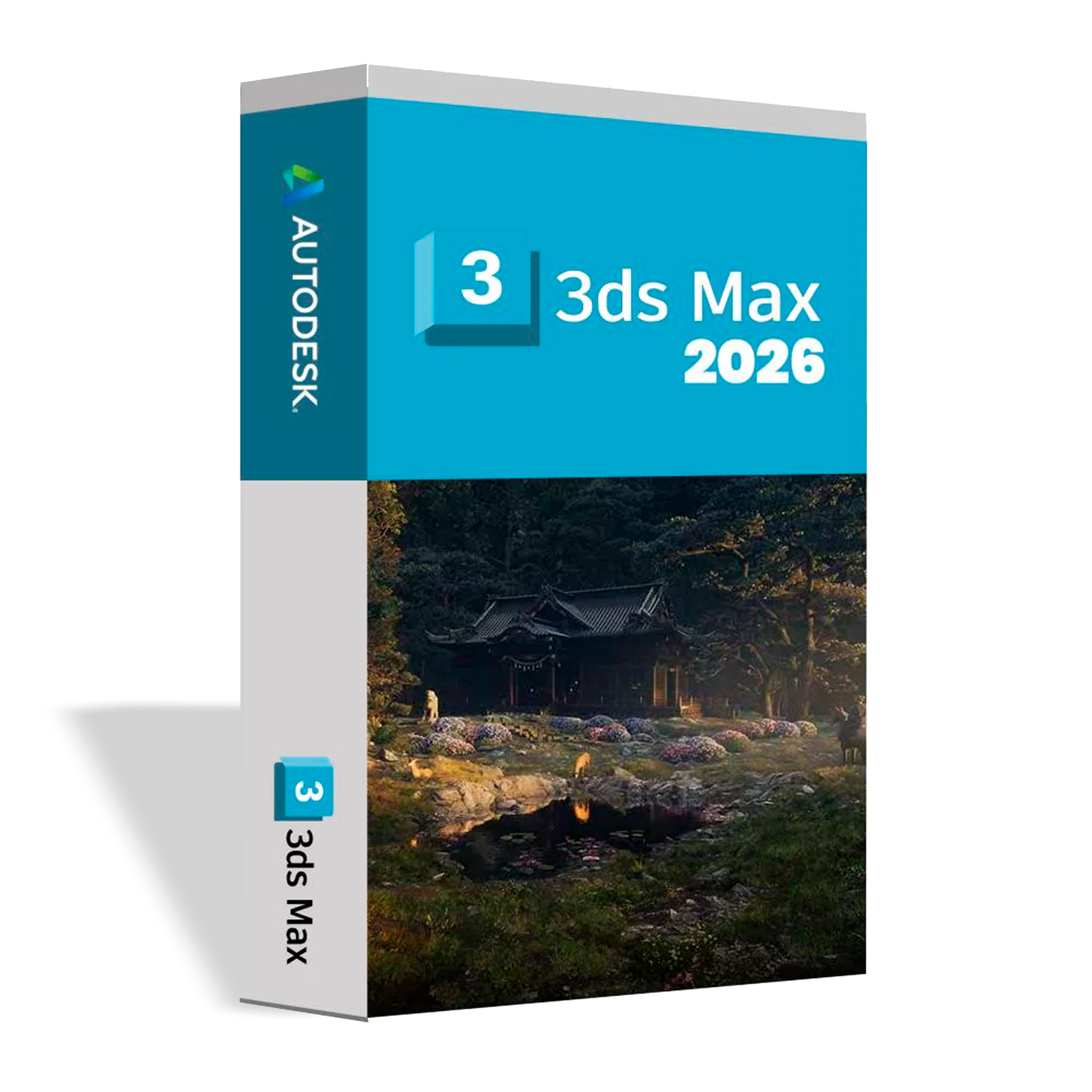
Autodesk 3ds Max 2026 is professional software for 3D modeling, rendering, and animation, widely used in architecture (visualization), product design, advertising, and 3D content production. It is ideal for creating realistic scenes, high-impact renders, walkthroughs, and animations with a high level of detail.
Important: 3ds Max runs on Windows. For Mac, Autodesk only offers AutoCAD and, upon request, Maya.
Key features
• Advanced 3D modeling for complex objects, scenes, and environments.
• Tools for rendering and visualization with realistic results (depending on render engine).
• Animation and camera/light control for presentations and walkthroughs.
• Ideal for architectural visualization, product, advertising, and 3D content.
Ideal for
• Architects and 3D visualizers who create renders and presentations.
• Designers and agencies that produce 3D content for advertising.
• Animation and 3D modeling professionals for scenes and assets.
Minimum requirements to install Autodesk 3ds Max 2026 (Windows)
• Operating system: Windows 10/11 (64-bit)
• Processor: Intel Core i5 / AMD Ryzen 5 or higher (i7/Ryzen 7 recommended)
• RAM: 16 GB minimum (32 GB+ recommended for heavy scenes)
• Storage: 20 GB free recommended (SSD ideal)
• Graphics: Compatible GPU (4 GB VRAM+ or more recommended for better performance)
• Display: 1920×1080 recommended
• Internet: recommended for updates and activation (depending on license)
Difference between alternate license and original license
• Alternate license (non-original): single payment, more economical, lifetime, direct installation and activation on the computer, does not use an account or subscription, does not include artificial intelligence.
• Original license: subscription through original account with a 12-month validity period, full access according to the plan.
Note: These licenses are not transferable; once installed/activated on one computer, it only works on that same computer and cannot be transferred to another.